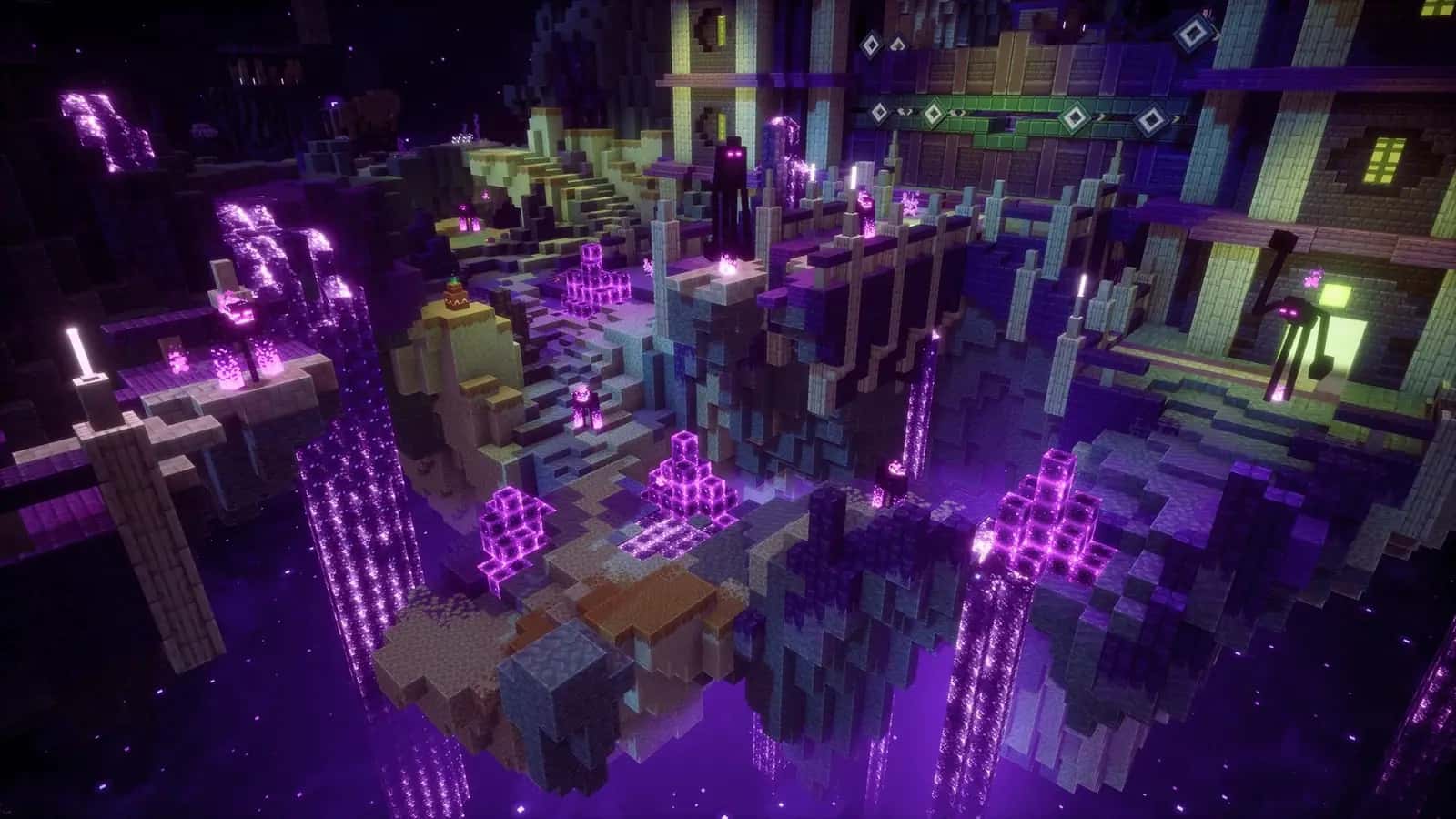

Your Minecraft. Faster, cleaner, yours.
A launcher with multiple accounts and Modrinth built in, plus an in-game client with 60+ modules, friends and cosmetics. No clutter, nothing you did not ask for.
Windows · Minecraft 1.21.4 → 26.3 · free
Launcher
All your accounts and instances in one place.
Switch between premium and offline accounts in one click, keep a separate instance for every version and add mods without digging through folders.
Multiple accounts
Premium (Microsoft sign-in) and offline accounts side by side. Tokens are encrypted locally.
Multiple instances
Separate worlds, mods and settings for every version. Run several at once.
Modrinth built in
Search and install mods, resource packs and shaders without leaving the launcher.
Java installs itself
The launcher picks and downloads the right Java version. Nothing to hunt for.
Performance pack
Sodium, Lithium and other proven performance mods install with every Fabric profile. Remove any you do not want.
Signed updates
The client mod and launcher updates are checked against our signature before they run.
In-game client
Press Right Shift. Set up the rest your way.
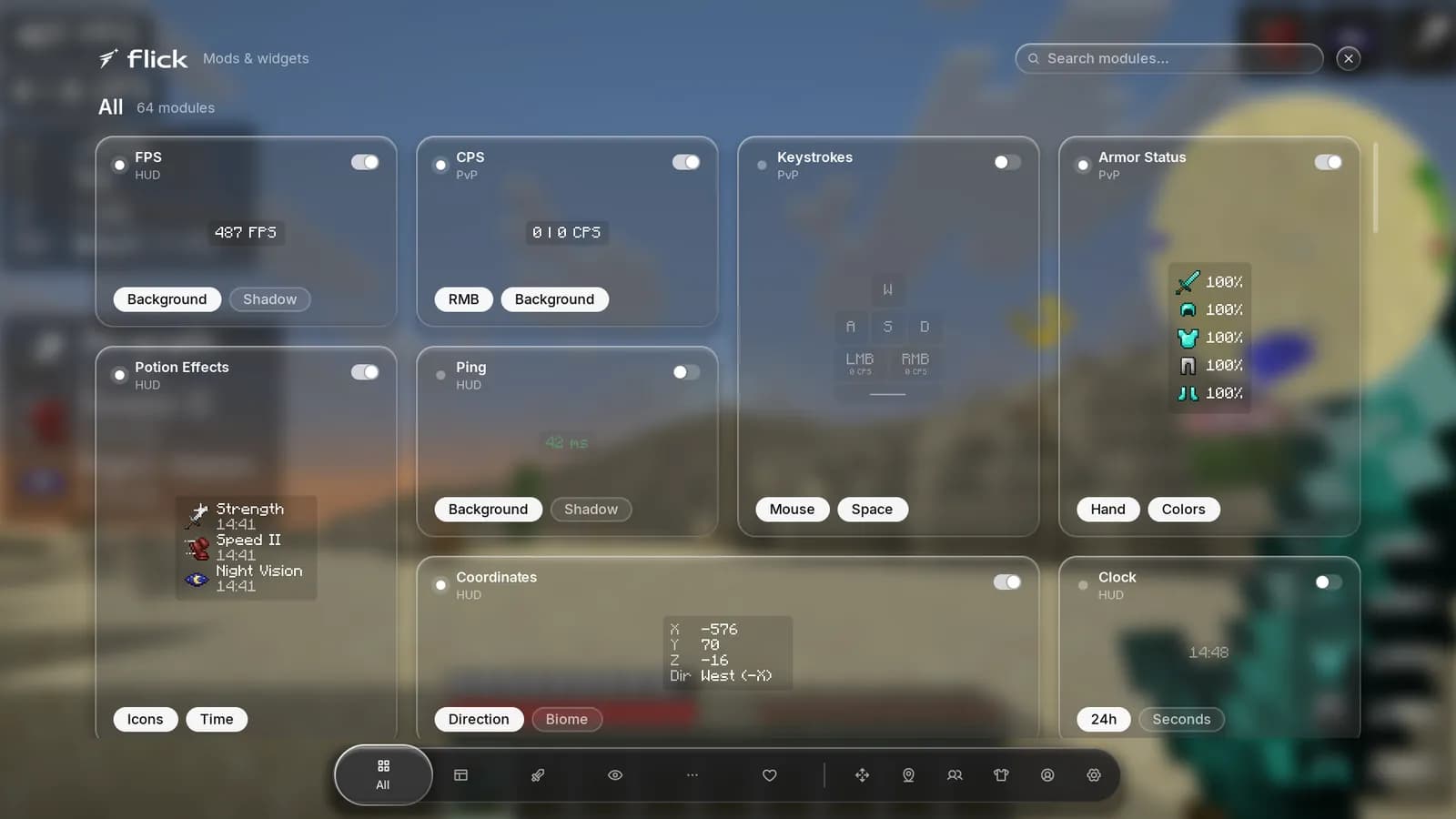
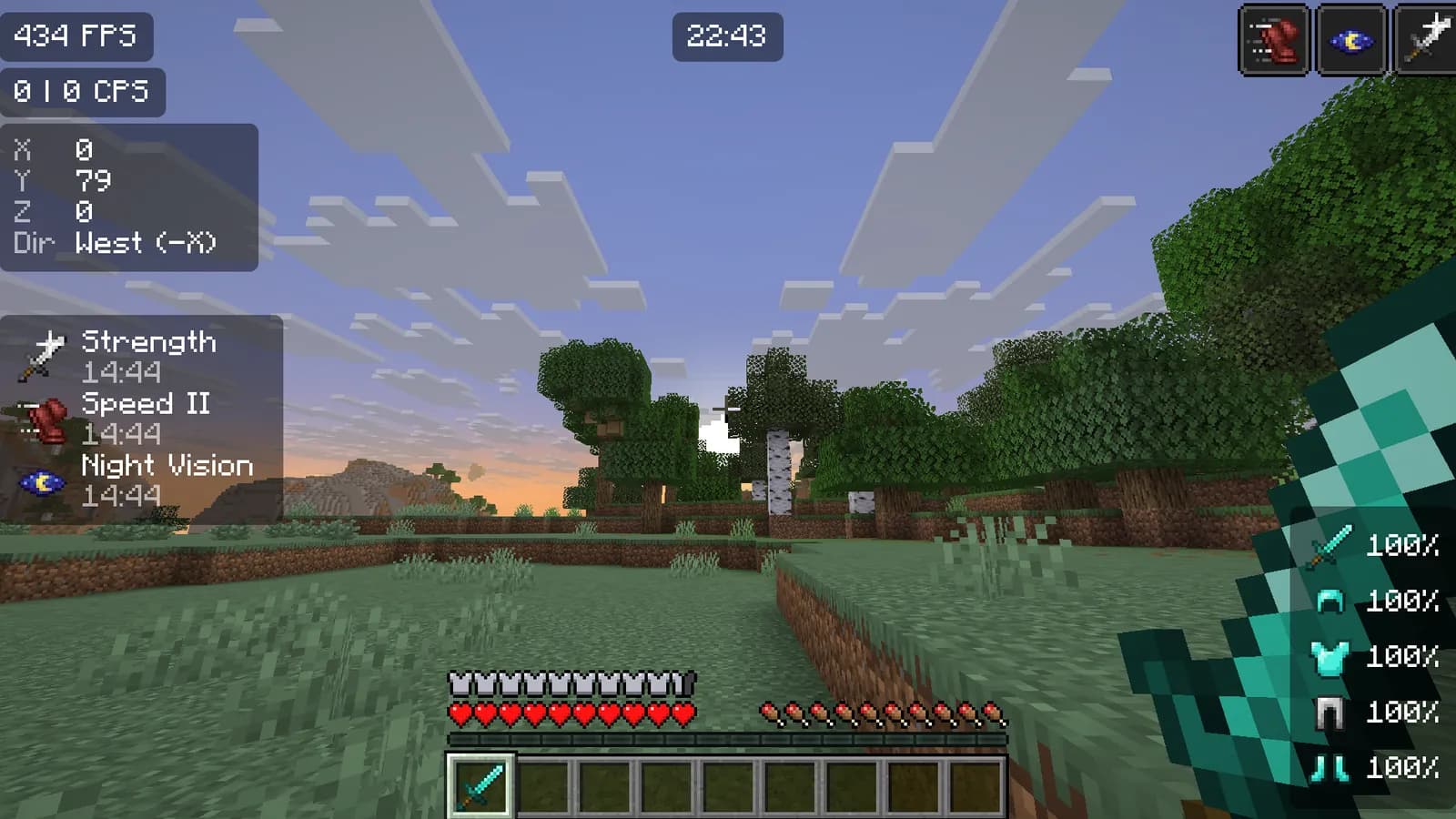
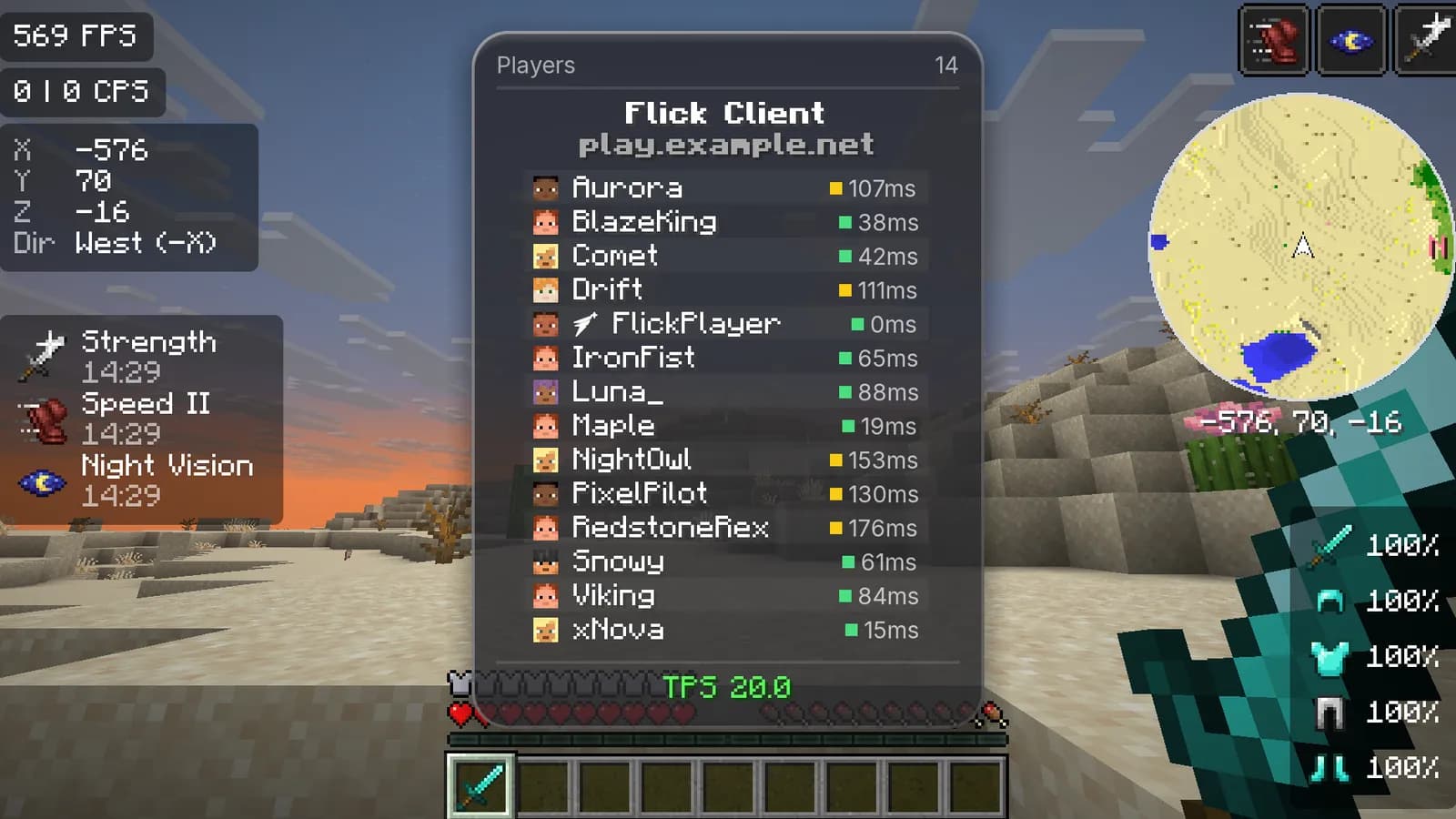
60+ modules in one menu, each with a live preview, and a HUD layout you drag around with the mouse.
Made for your setup
Drag a widget anywhere, resize it and change its colors. Servers can turn single modules off, and you always see which ones.
- Target ESP
- Kill Effects
- Hit Sounds
- Damage Numbers
- Keystrokes
- CPS
- Zoom
- Freelook
- Perspective
- ViewModel
- Waypoints
- Fast Chest
- Block Outline
- Trajectories
- Dynamic FPS
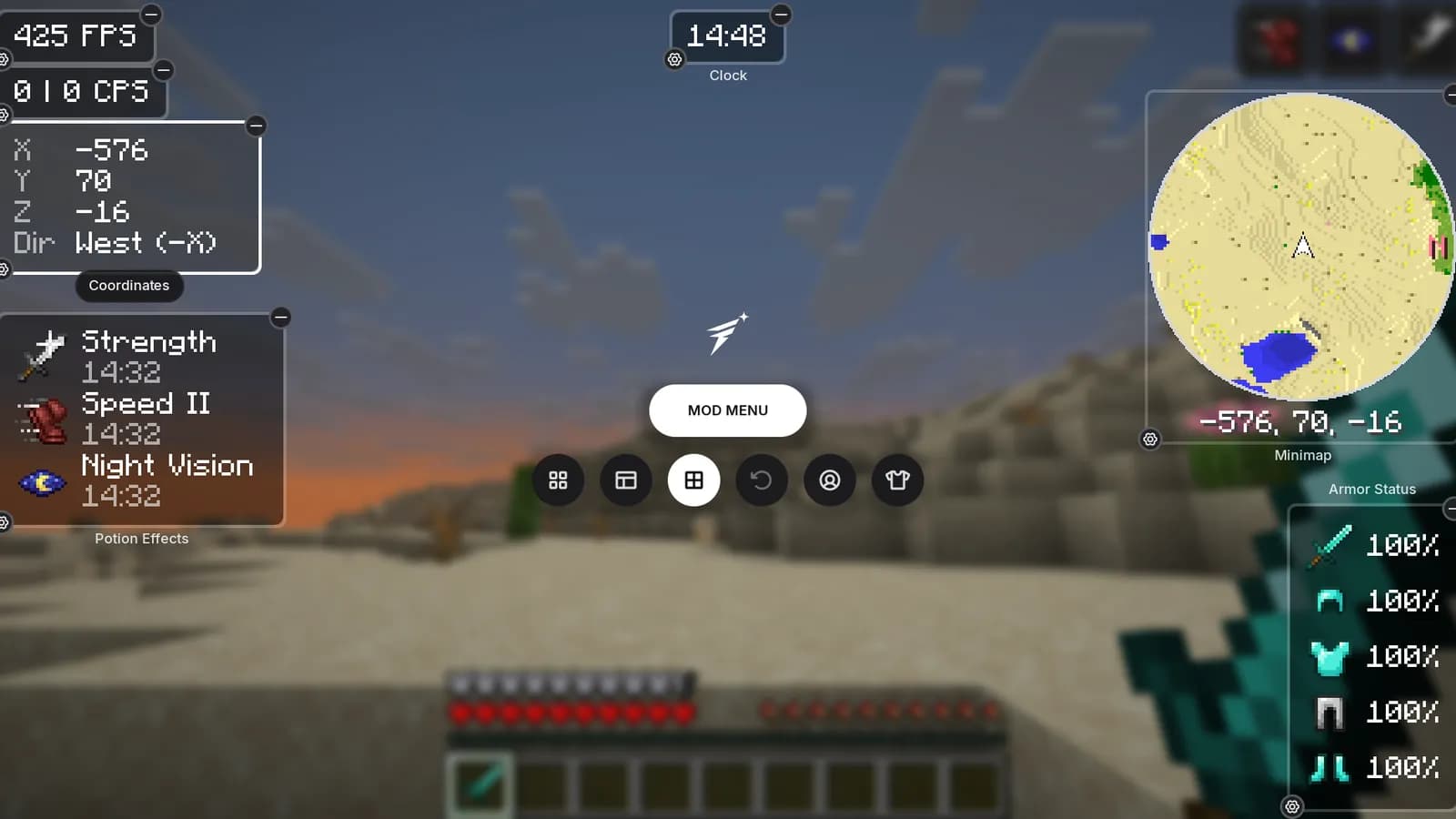
HUD editor
Snapping guides, scroll to scale, Ctrl+Z to undo.
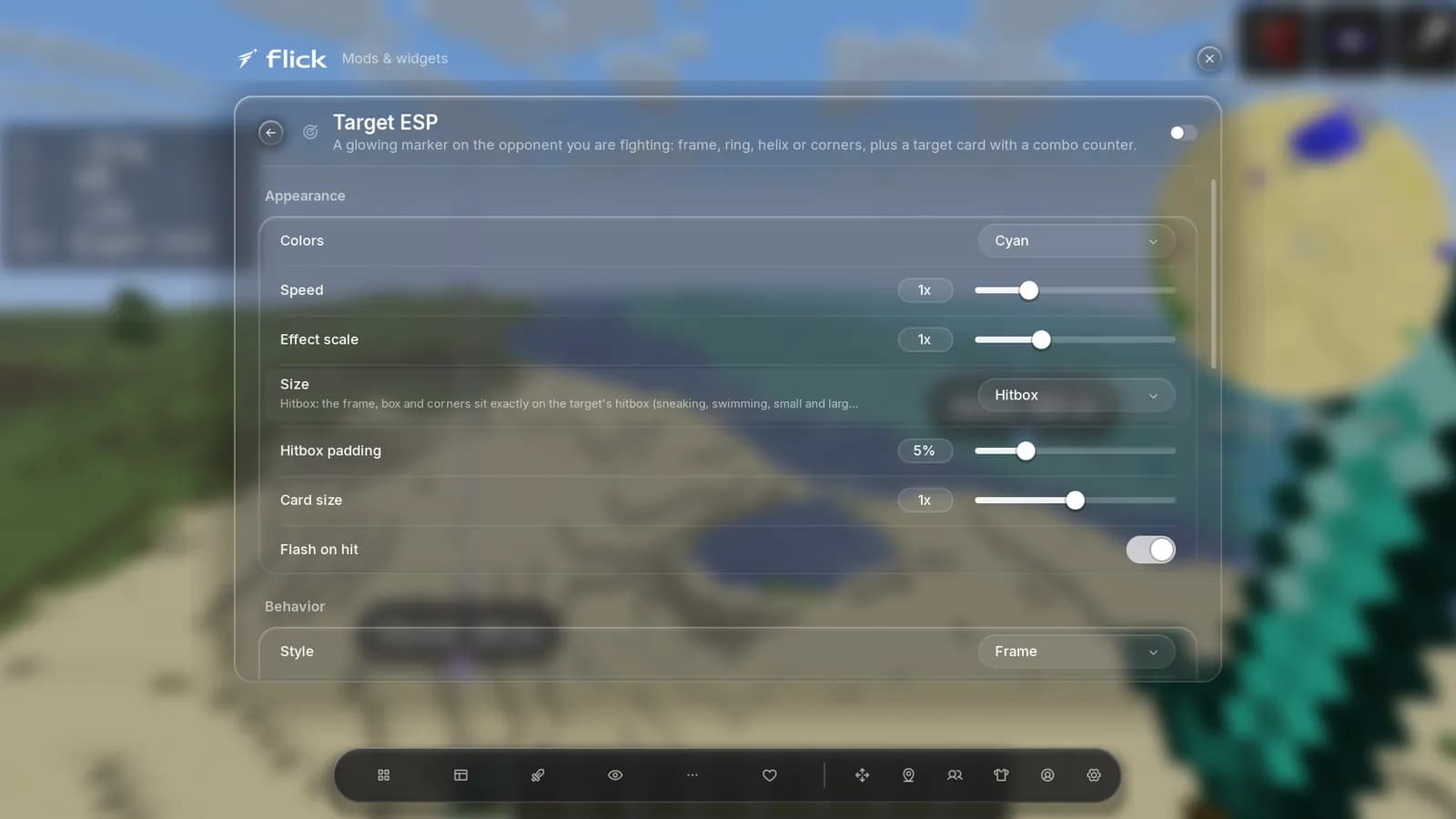
Settings for everything
Every module has its own page with clear options.
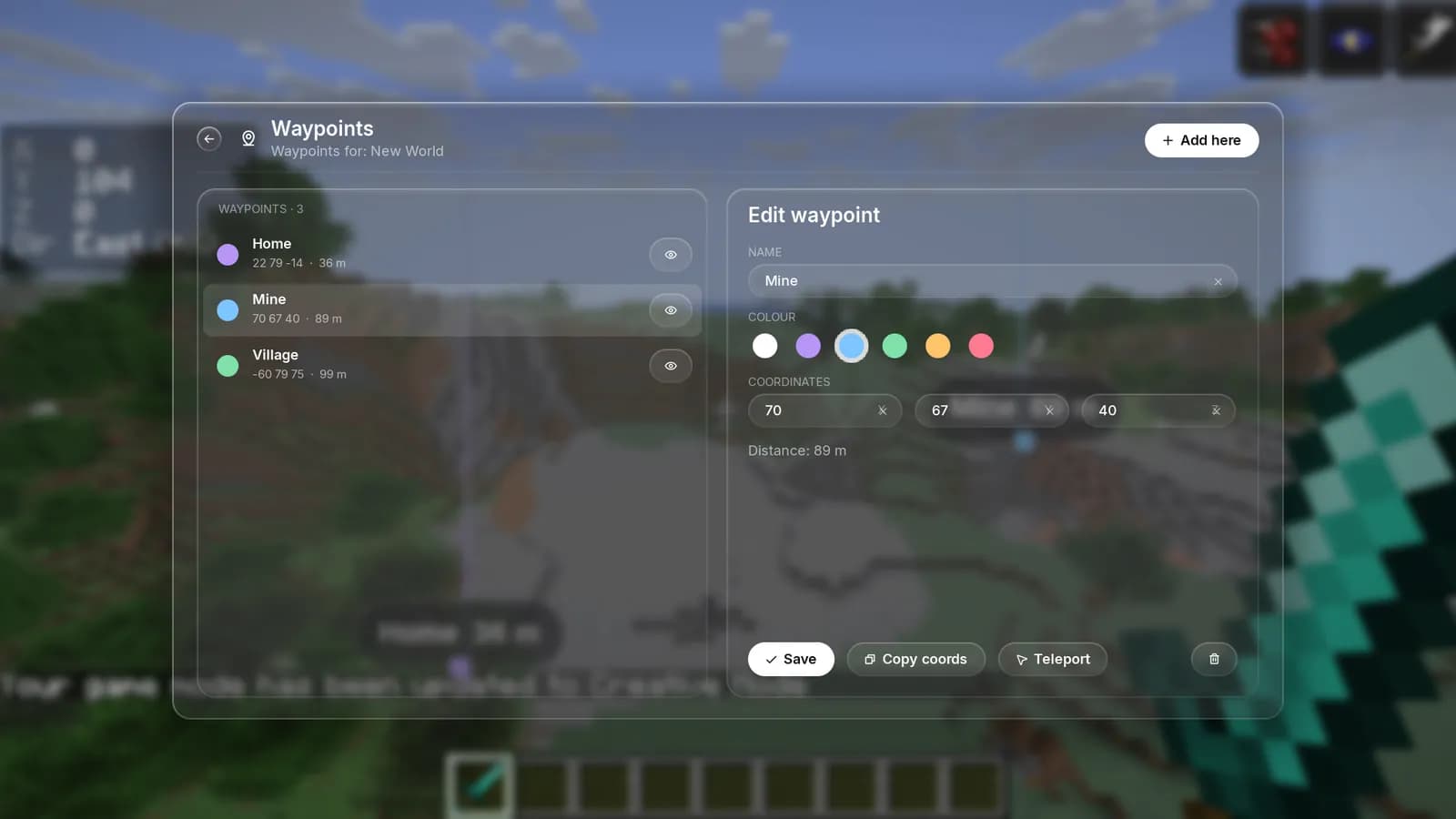
Waypoints
Named waypoints per server, shown in the world with distance.
ViewModel
Position, size and rotation of the held item, plus animations.
Aspect Ratio and Perspective
Custom aspect ratio and field of view, with a quick toggle.
Fast Chest
Chests render as simple static models, so big storage rooms stop eating your frames.
PvP and visuals
Effects that look good and stay out of the way.
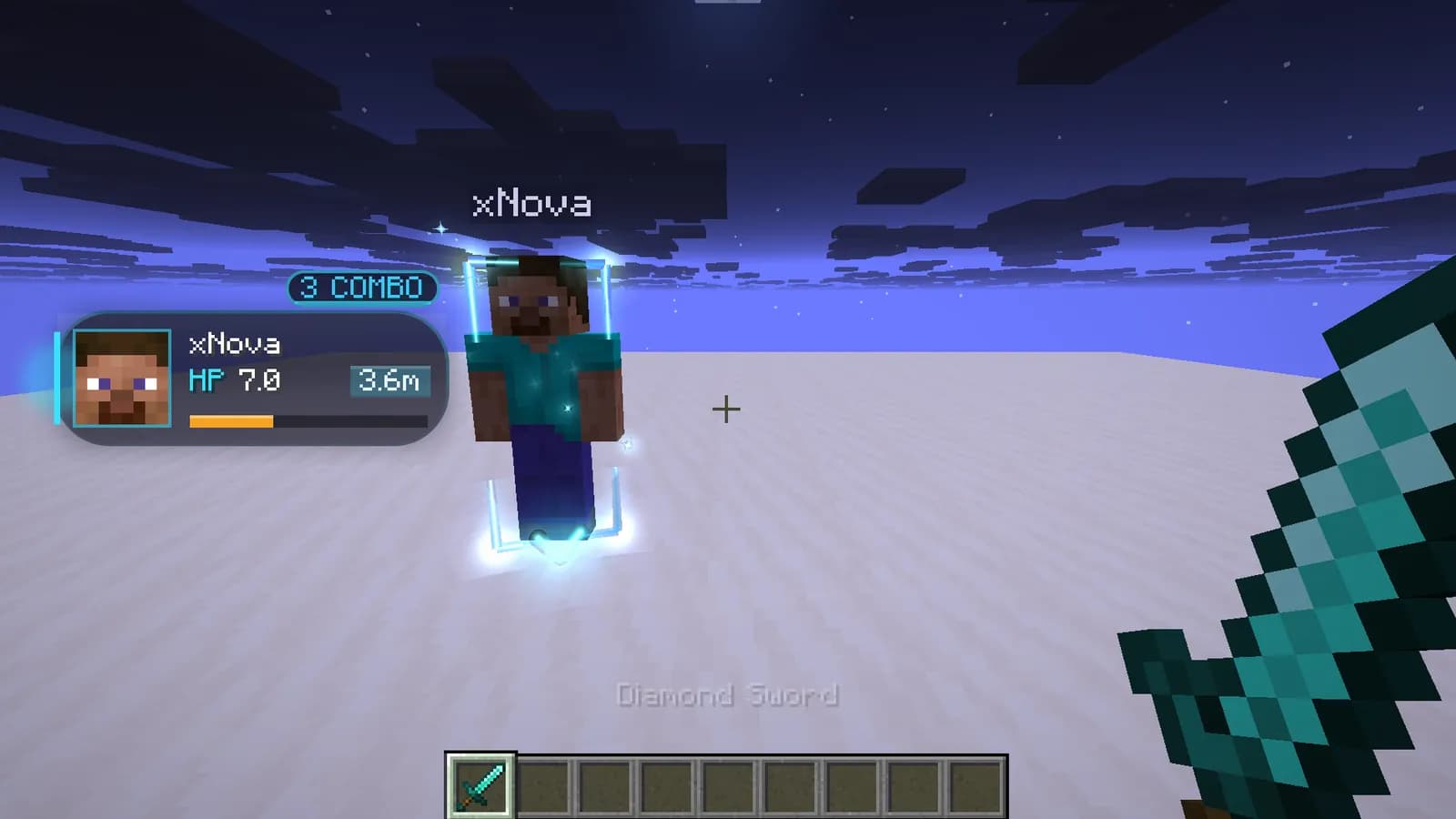
Target ESP with a combo card, kill effects only you see, and visuals like Jump Circles, Trails and China Hat. They look the same on OpenGL and Vulkan.
Target ESP
Frame, Ring, Spiral, Corners, Box or Ghosts, sized to the hitbox.
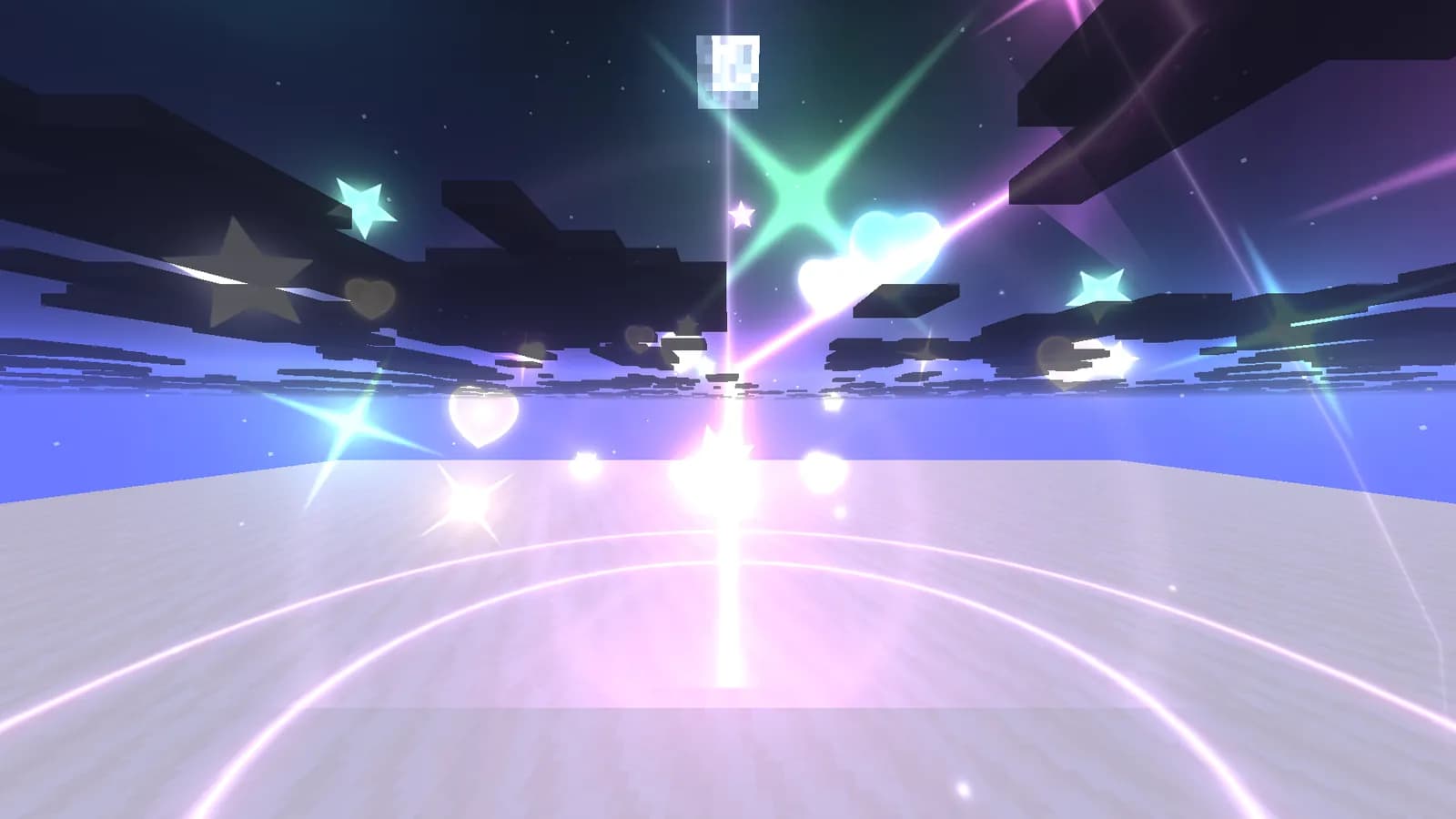
Kill Effects
Combo, Lightning, Starburst, Shockwaves, Pillar of Light or Fireworks.
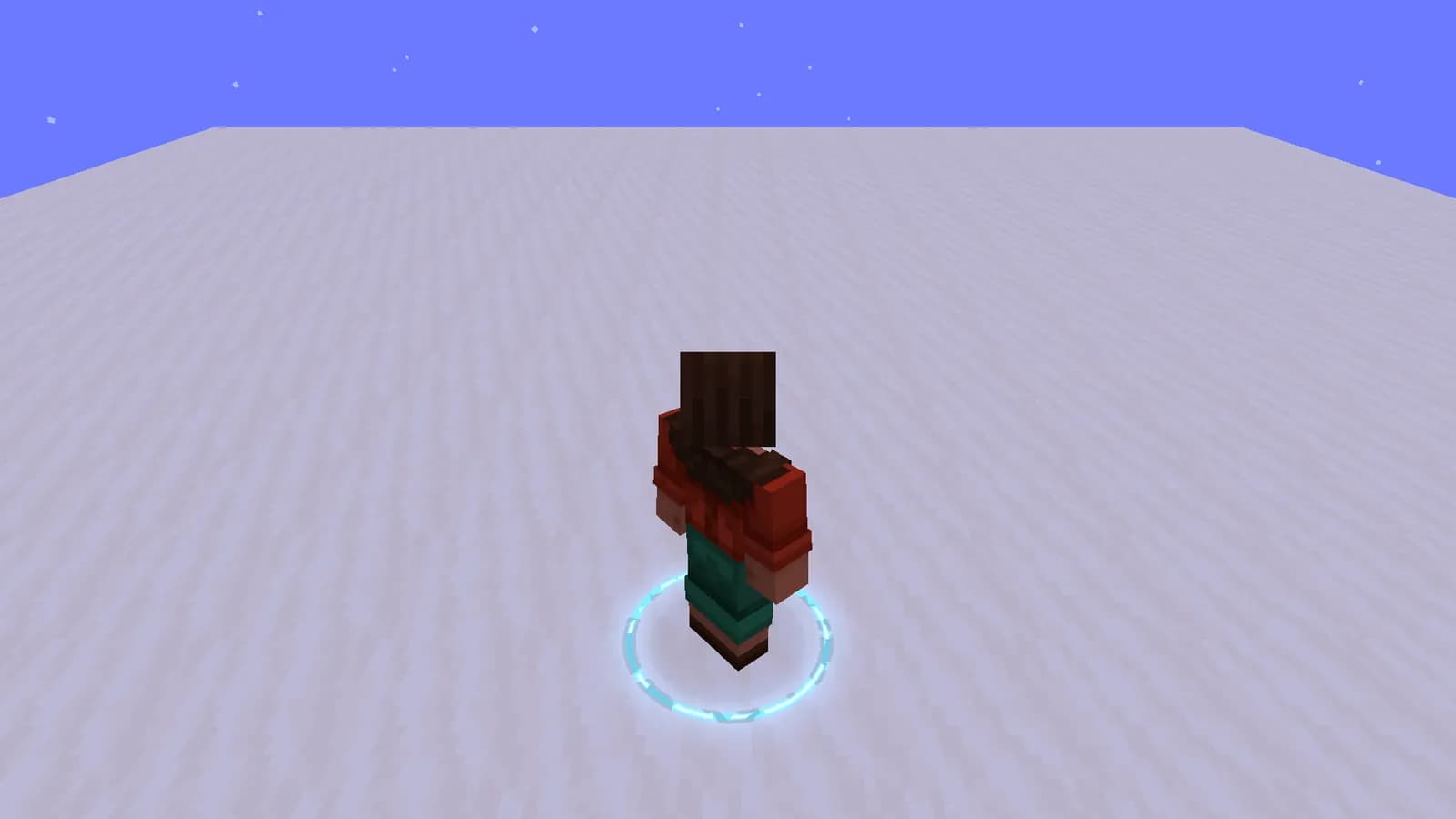
Jump Circles
Neon, Wave, Runes or Sparks.
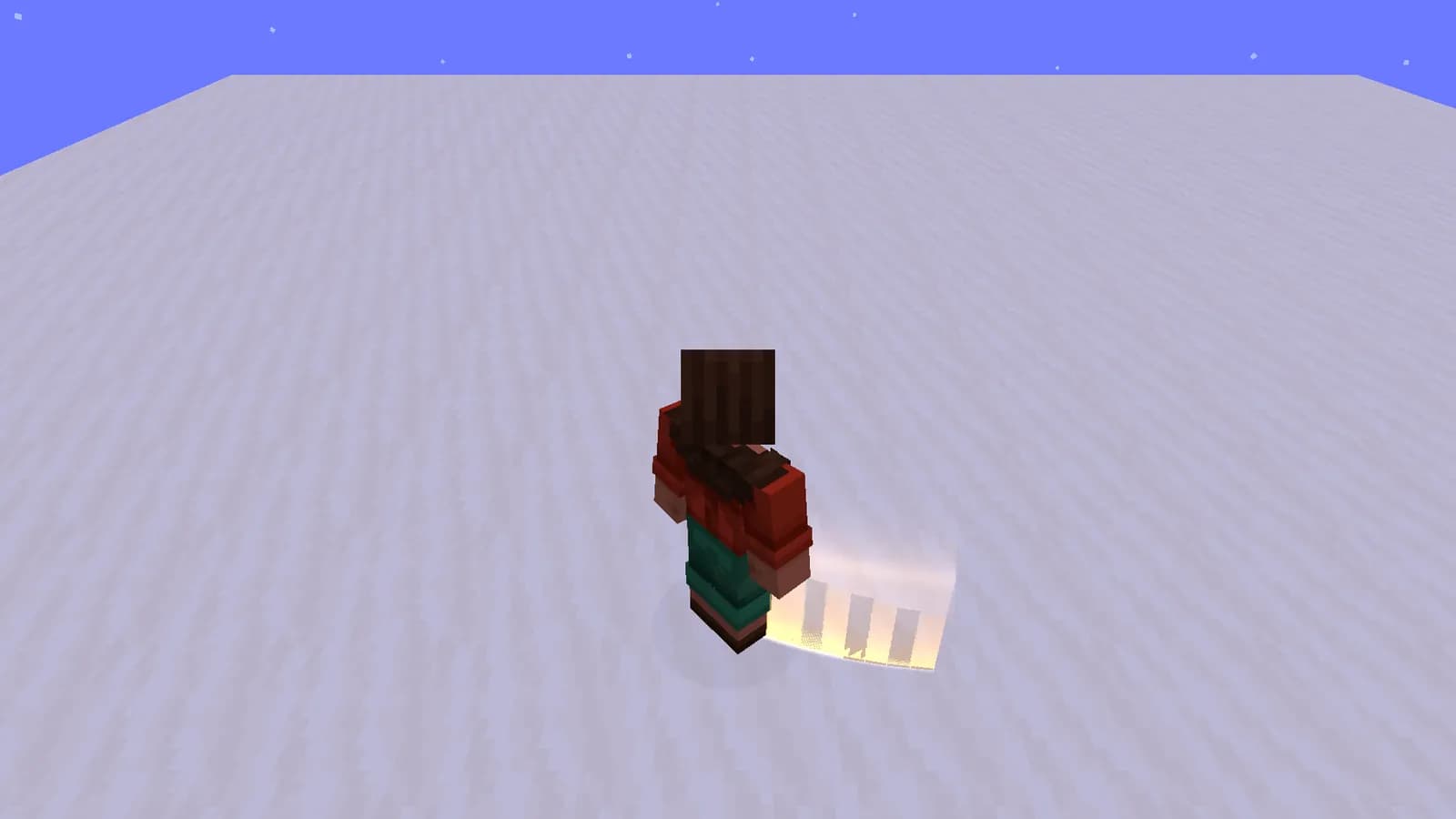
Trails
Behind you, other players, arrows and pearls.
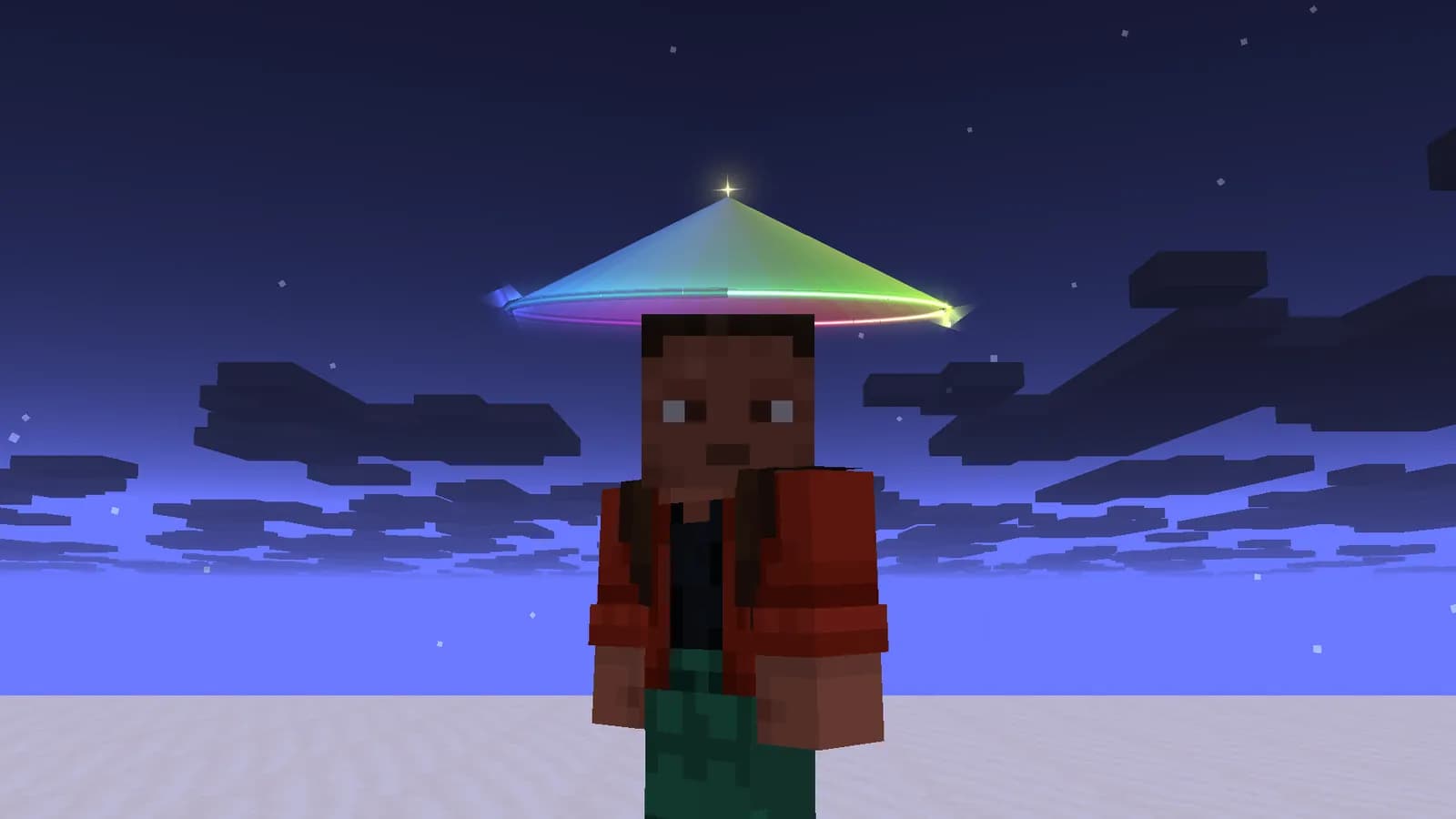
China Hat
Classic, Neon or Halo, in any palette.
Hit feedback
Hit Sounds, Hit Marker, Damage Numbers, Hit Bubbles and a Totem Pop counter.
Trajectories
See where your pearl, arrow or potion will land before you throw it.
Ambience and glint
Sky and fog moods, and a custom enchantment glint color.
Social and cosmetics
Friends and style, built in.
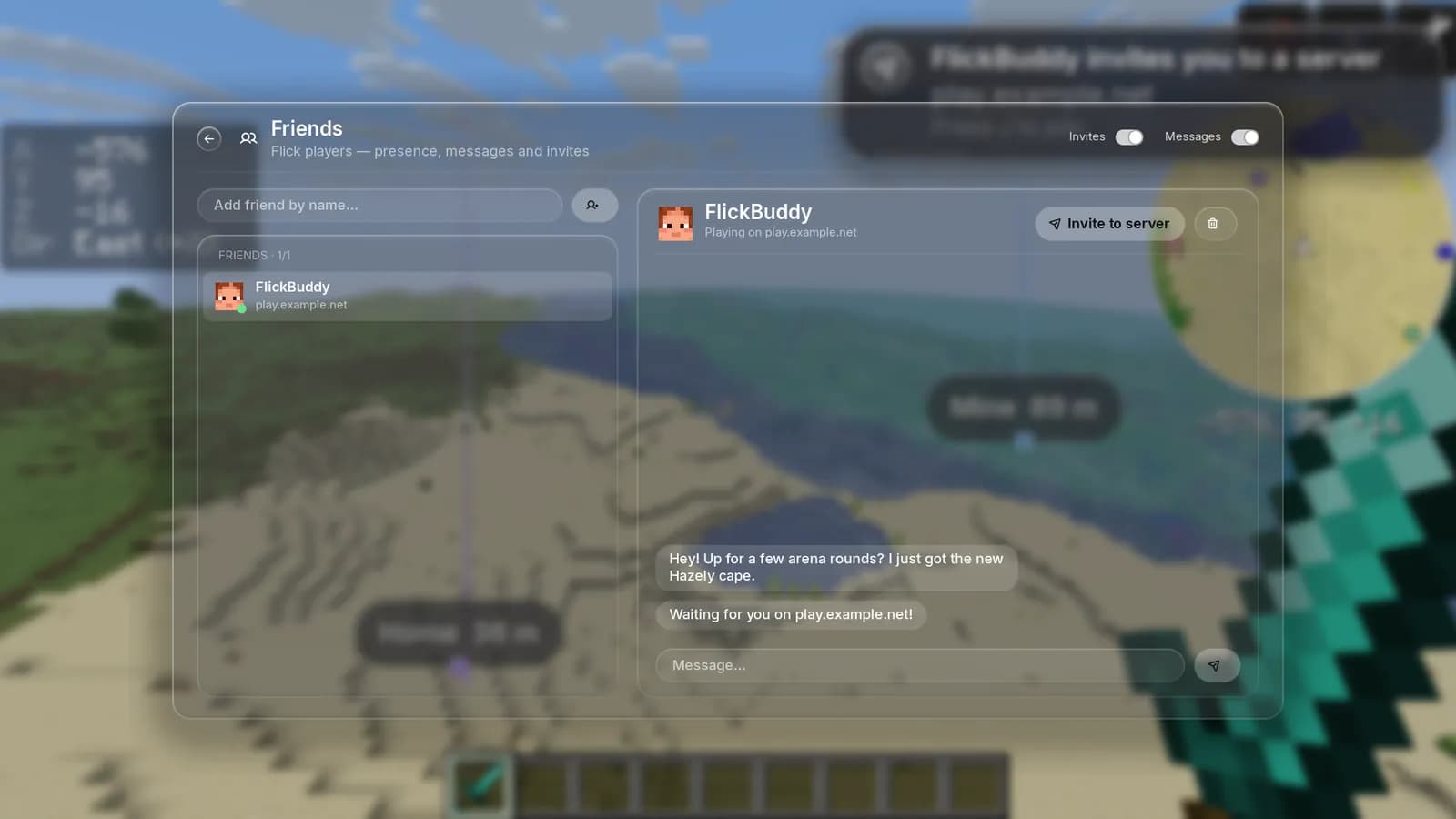
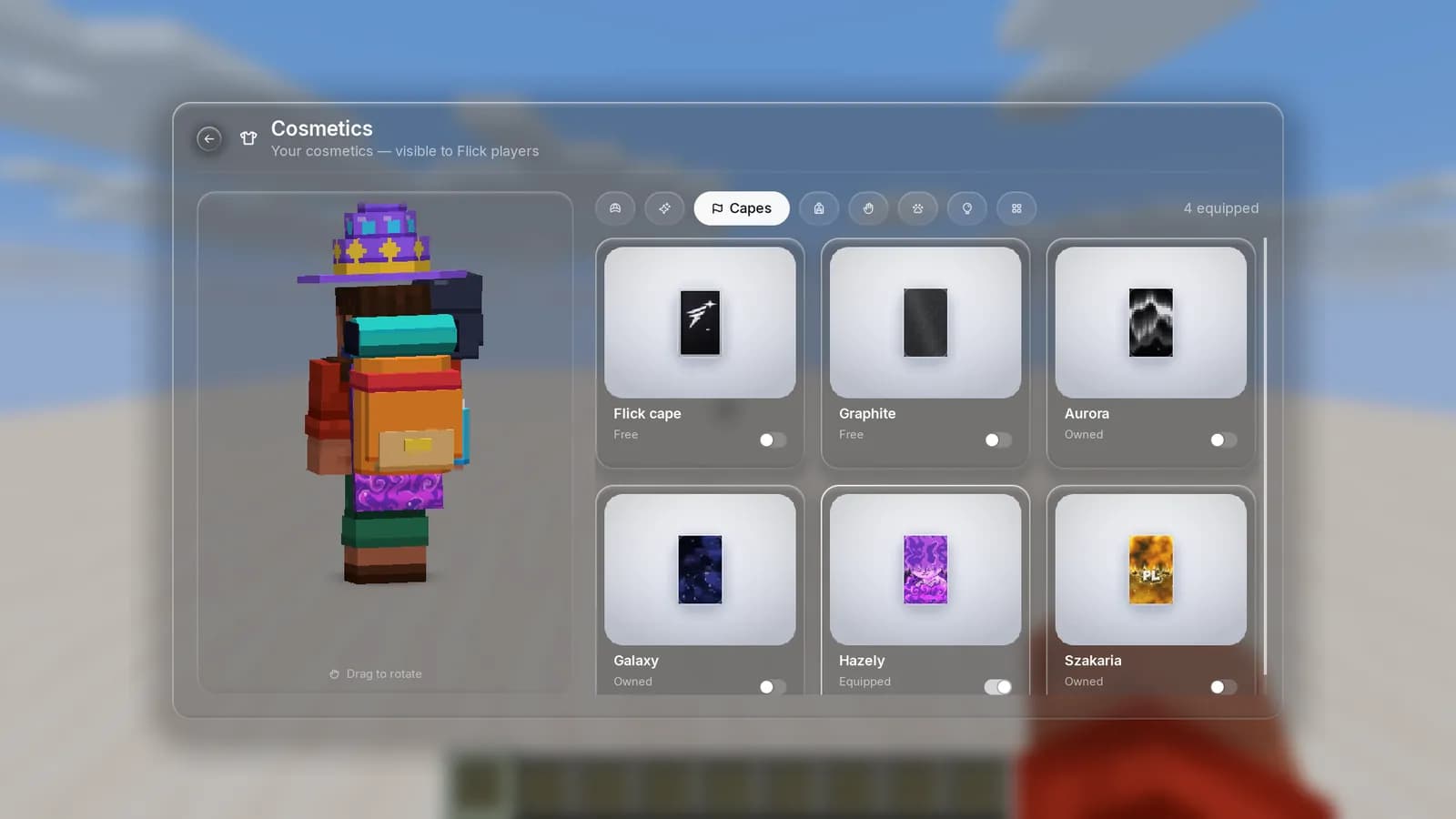
Add friends, message them without leaving the game and invite them to your server with one key. Wear capes, hats and pets that other Flick players see.
Friends and messages
See who is online and on which server.
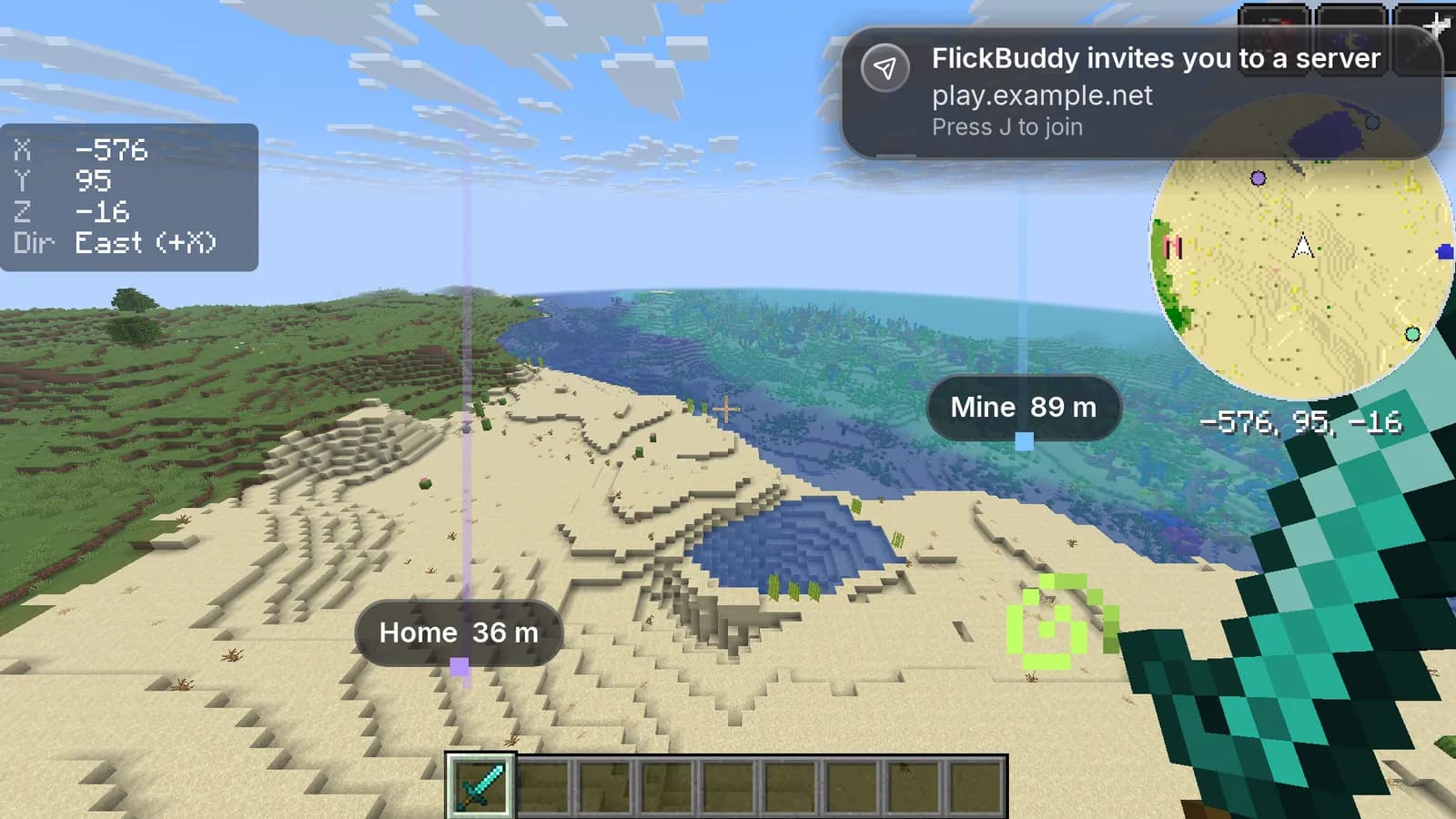
Server invites
One key and you join your friend.
Cosmetics
Hats, backs, held items, pets, capes and sets.
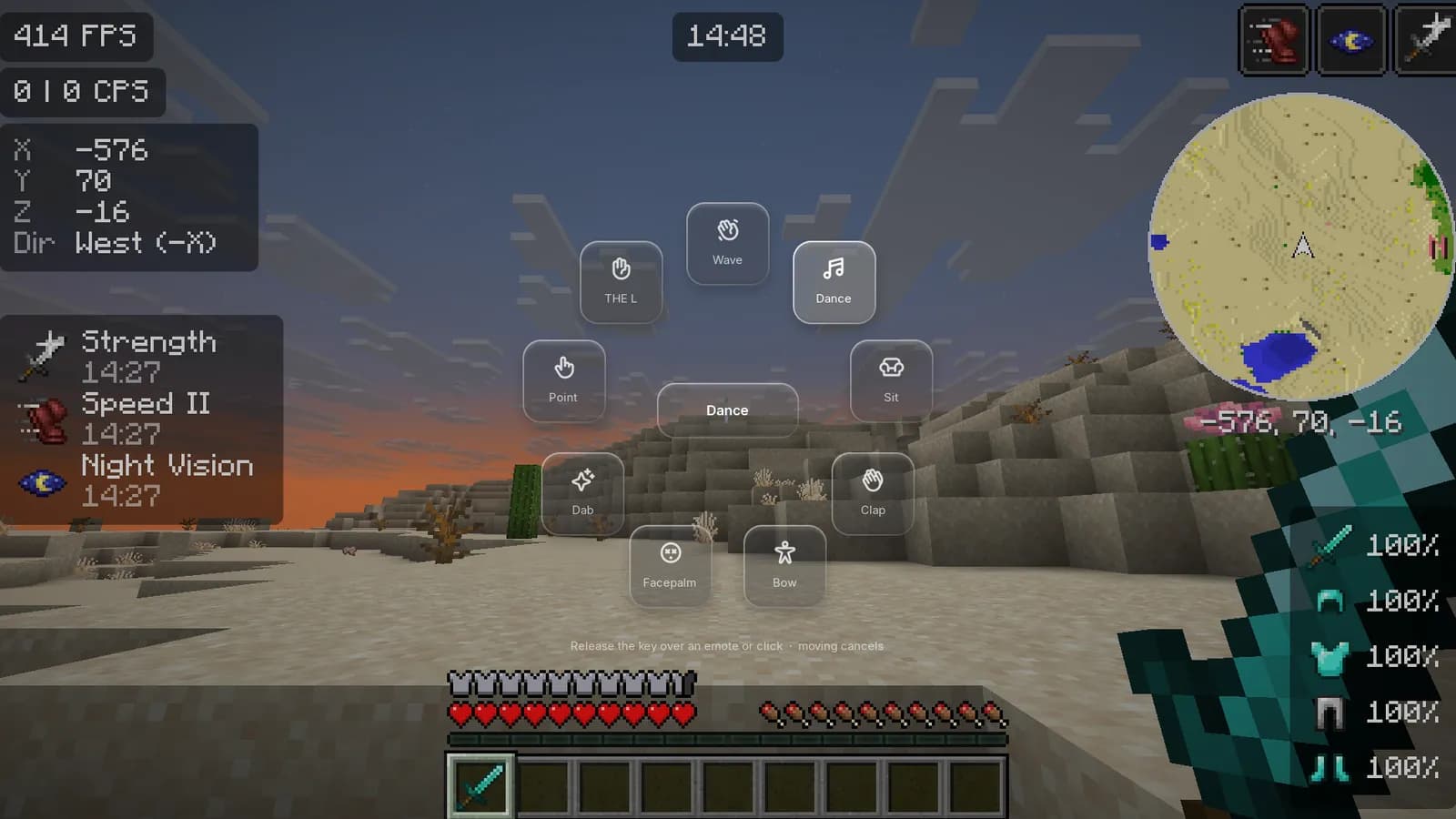
Emote wheel
Press G and pick an emote. Other Flick players see it.
Flick badges
A small Flick mark next to other Flick players in nametags and the tab list.
Direct messages
Chat in game. The server does not store message contents.
Discord Rich Presence
Version, server and play time on your Discord profile.
Community
Where Flick players are right now.
The public Minecraft servers with the most Flick players online at this moment.
14 players online with Flick
- 1boksmc.pl1
- 2cubecraft.net1
- 3hazely.net1
- 4kokscraft.pl1
- 5mcpvp.club1
Only public servers with a domain name are listed, grouped by domain. Updates every few seconds.
Versions
From 1.21.4 to 26.3.
One package, every popular version. Pick a version in the launcher and the matching client mod installs itself.
- 1.21.4
- 1.21.5
- 1.21.8
- 1.21.10
- 1.21.11
- 26.1
- 26.2
- 26.3
Play Minecraft the way you like it.
Free, for Windows. Installing takes a minute.